📠 Little State Machine
State management made super simple
[](https://www.npmjs.com/package/little-state-machine)
[](https://www.npmjs.com/package/little-state-machine)
[](https://bundlephobia.com/result?p=little-state-machine)
✨ Features
- Tiny with 0 dependency and simple (715B _gzip_)
- Persist state by default (`sessionStorage` or `localStorage`)
- Build with React Hooks
📦 Installation
$ npm install little-state-machine
🕹 API
#### 🔗 `StateMachineProvider`
This is a Provider Component to wrapper around your entire app in order to create context.
```tsx
```
#### 🔗 `createStore`
Function to initialize the global store, invoked at your app root (where `` lives).
```tsx
function log(store) {
console.log(store);
return store;
}
createStore(
{
yourDetail: { firstName: '', lastName: '' } // it's an object of your state
},
{
name?: string; // rename the store
middleWares?: [ log ]; // function to invoke each action
storageType?: Storage; // session/local storage (default to session)
persist?: 'action' // onAction is default if not provided
// when 'none' is used then state is not persisted
// when 'action' is used then state is saved to the storage after store action is completed
// when 'beforeUnload' is used then state is saved to storage before page unloa
},
);
```
#### 🔗 `useStateMachine`
This hook function will return action/actions and state of the app.
```tsx
const { actions, state, getState } = useStateMachine({
updateYourDetail,
});
```
📖 Example
Check out the Demo.
```tsx
import React from 'react';
import {
StateMachineProvider,
createStore,
useStateMachine,
} from 'little-state-machine';
createStore({
yourDetail: { name: '' },
});
function updateName(state, payload) {
return {
...state,
yourDetail: {
...state.yourDetail,
...payload,
},
};
}
function YourComponent() {
const { actions, state } = useStateMachine({ updateName });
return (
actions.updateName({ name: 'bill' })}>
{state.yourDetail.name}
);
}
const App = () => (
);
```
## ⌨️ Type Safety (TS)
You can create a `global.d.ts` file to declare your GlobalState's type.
Checkout the [example](https://codesandbox.io/s/typescript-forked-xs30h).
```ts
import 'little-state-machine';
declare module 'little-state-machine' {
interface GlobalState {
yourDetail: {
name: string;
};
}
}
```
💁♂️ Tutorial
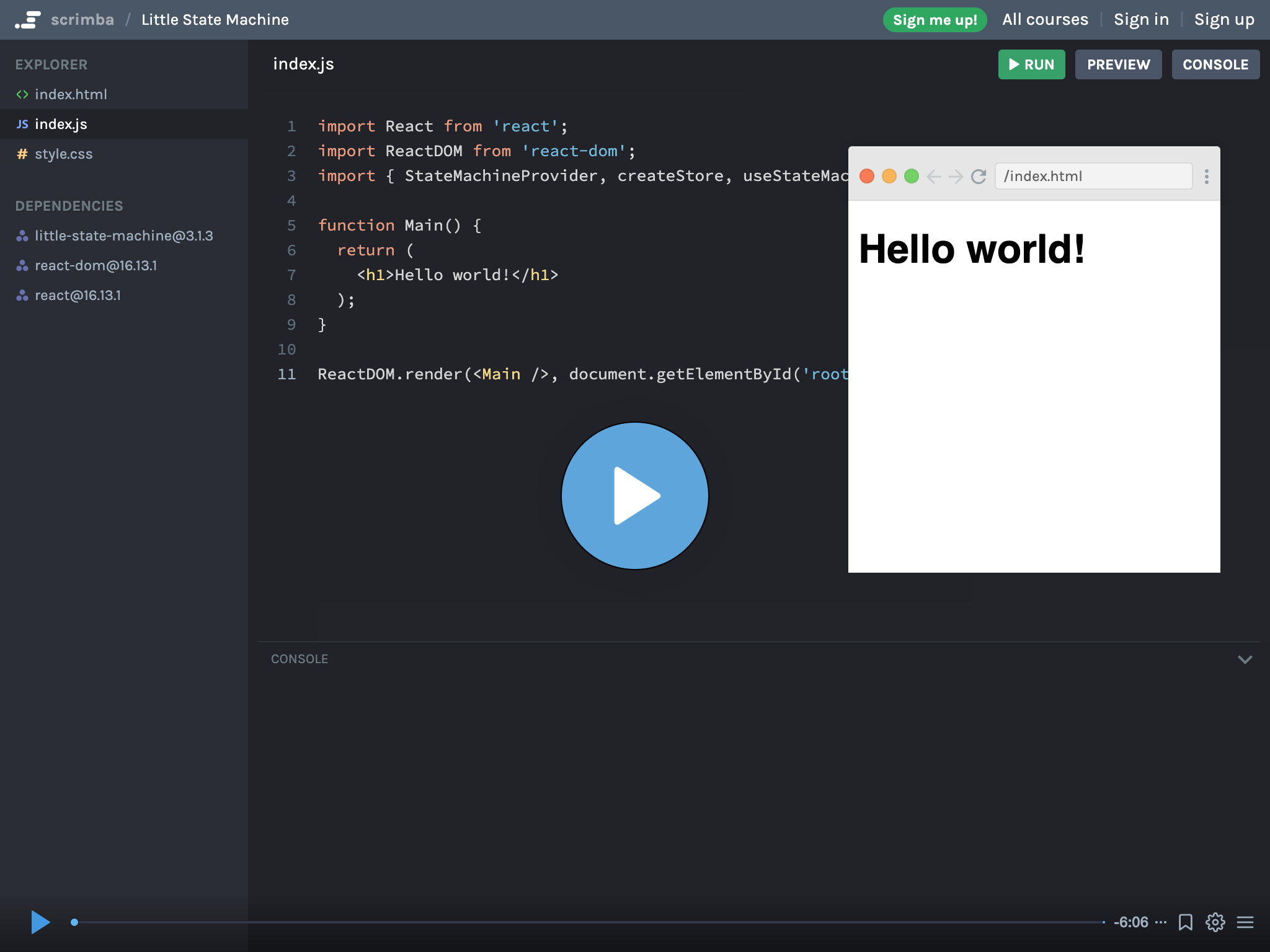
Quick video tutorial on little state machine.
⚒ DevTool
[DevTool](https://github.com/bluebill1049/little-state-machine-dev-tools) component to track your state change and action.
```tsx
import { DevTool } from 'little-state-machine-devtools';
;
```